App Account Deletion
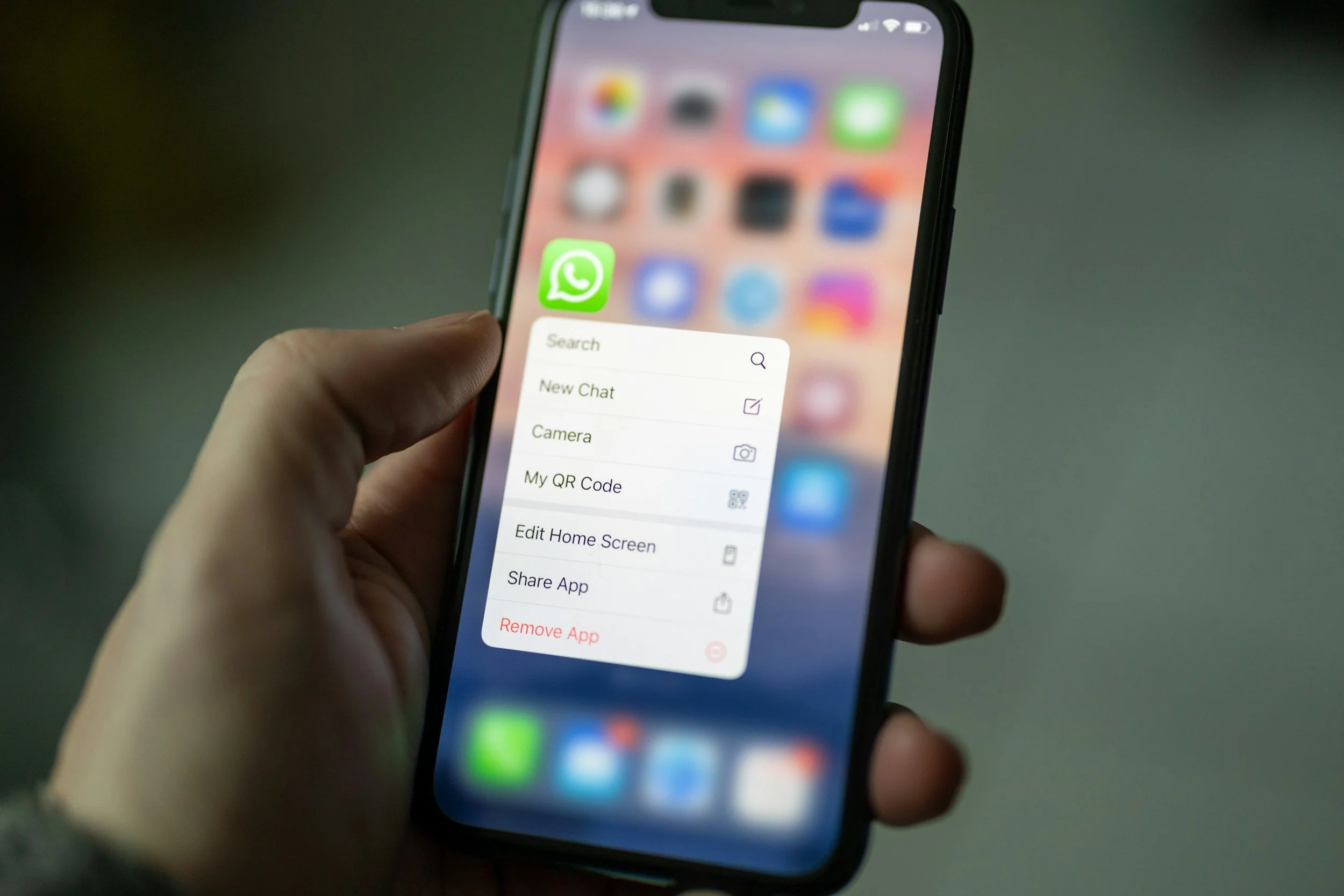
Account & Data Deletion Request
Developer: Sugarledge
If you no longer wish to use the Sugarledge Stone Quarry mobile application, you have the right to request the deletion of your account and associated personal data. You can initiate this process using either of the two methods below.
Method 1: Delete your account inside the app
If you currently have the Sugarledge app installed on your device, you can delete your account immediately from within the application:
1. Open the Sugarledge app and log in to your account.
2. Navigate to the Settings menu.
3. Scroll to the very bottom of the page.
4. Tap the Delete Account button and confirm your choice.
Method 2: Request deletion via email
If you have already uninstalled the app and prefer not to reinstall it, you can request account deletion by contacting our support team directly.
Please send an email to Office@Sugarledgestone.com with the subject line: "Account Deletion Request".
In the body of your email, you must provide:
● Your Username (or the email address tied to your account).
● Your Phone Number. (Note: We require your phone number because your username may have already been anonymized in our system, and this allows us to accurately locate and purge your records).
Data Deletion and Retention Policy
Once your account deletion request is received and verified, we will process it promptly.
● What is deleted: Your personal profile information, authentication credentials, and active session data will be permanently removed or anonymized within 45 days of your request.
● What is retained: Because Sugarledge operates as a B2B commerce and logistics platform, certain data cannot be completely erased. We are required to retain historical
records strictly related to billing, completed orders, and deliveries for legal, tax, and operational recordkeeping purposes.